
Your JEE event, all in one app.
Plan your conference, follow event updates, and meet the Junior Entrepreneurs shaping the network across Europe.
 Download on the App Store
 Get it on Google Play
Available on iPhone and Android. Event features depend on your conference and account access.
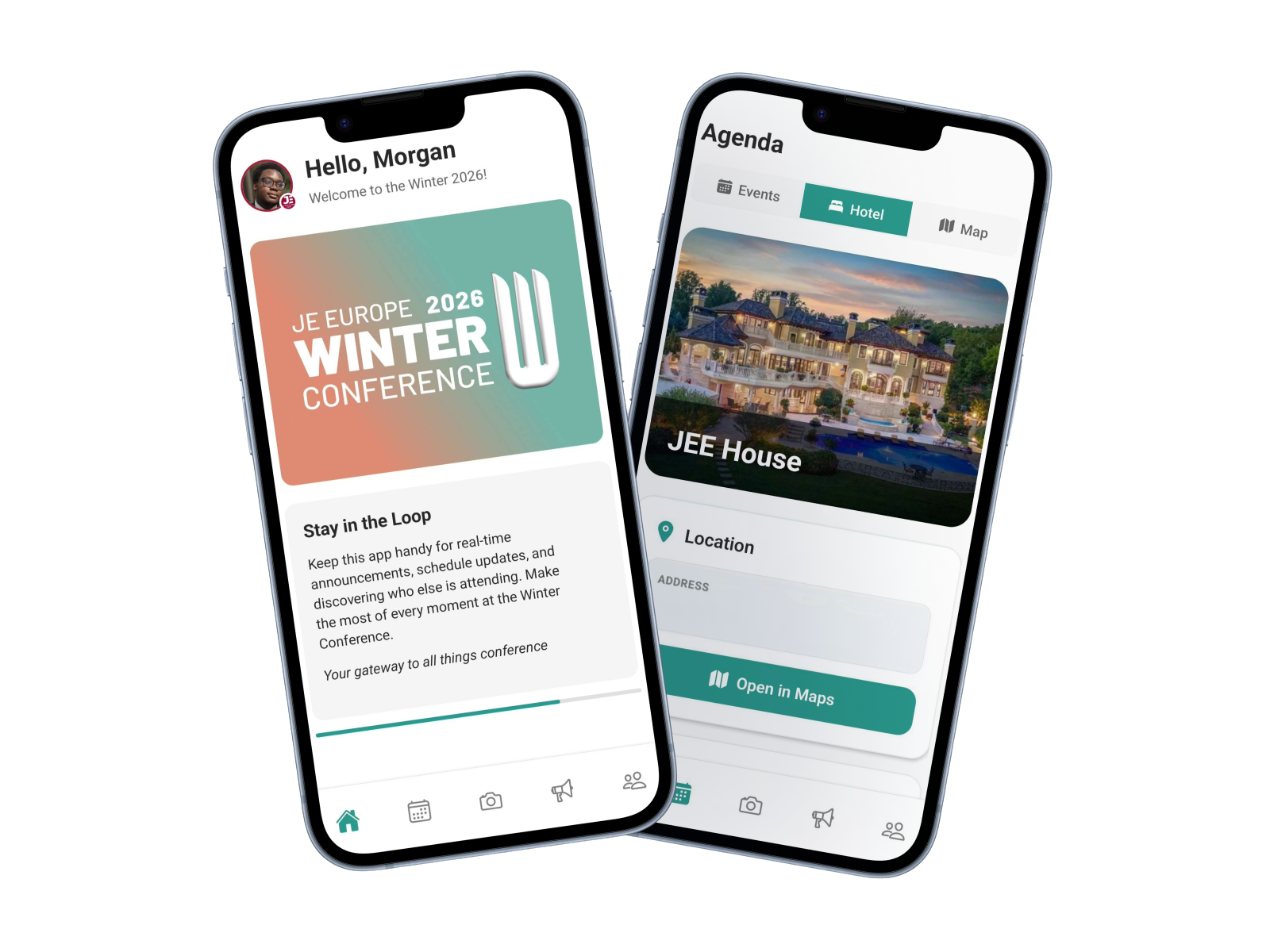
Made for JEE conferences
Everything you need to take part
Keep the practical details close, stay in touch with the event, and spend more time with the people around you.
Follow the agenda
Check sessions and event details in one place, with updates as the conference schedule changes.
Meet the network
Find fellow participants, discover their Junior Enterprises, and keep track of the connections you make.
Stay up to date
See conference announcements and receive important event notifications when you enable them.
Find your way
Use event maps and practical conference tools made available for your event.
Available sections and information may differ by event and the access granted to your account.
Get started
Ready for your next JEE event?
Download the app
Install JEE App from the App Store or Google Play.
Sign in or create an account
Use your account to access the app. Conference information appears when access has been set up for you.
Make the most of the event
Check the agenda, read announcements, and connect with other participants.
Need a hand?
Frequently asked questions
How do I create an account?
Install the app, tap “Sign Up,” and follow the steps to set up your profile. Some conference information is available only after event access has been arranged for your account.
I forgot my password. What should I do?
On the sign-in screen, tap “Forgot Password?” and follow the reset link sent to your email address.
Why can’t I see my conference?
Conference access is configured by the event organizers. If your event is missing, contact your organizer or write to it@juniorenterprises.eu.
How do I delete my account and data?
You can delete your account in the app from Profile → Privacy & Data → Delete Account. If you cannot access the app, follow the instructions on our privacy policy page.
Where can I get help?
Email it@juniorenterprises.eu for app support. Include a short description of the issue and the device you are using. Do not send your password.
Questions about the app?
Our team can help with access, event information, and technical issues.